


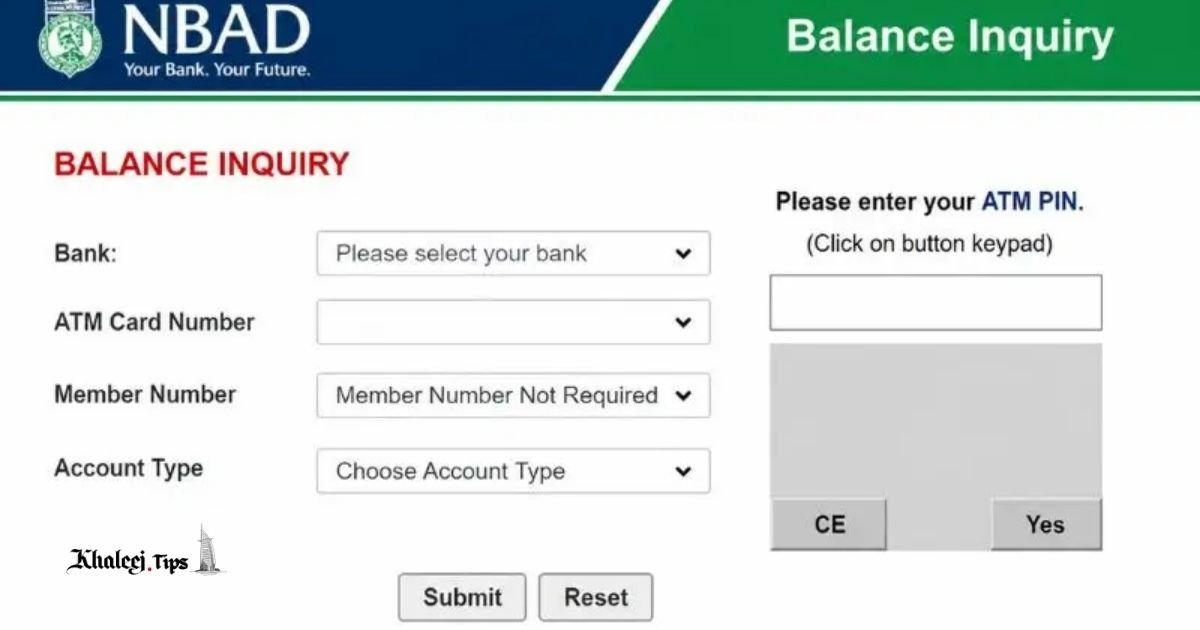
Standing at the cashier, holding the card in hands, the thought pops in your head: do I have enough? It’s a typical experience of almost every bank client living in the UAE, and it normally drives people to Google typing variations of the phrase “NBAD balance inquiry.”
The trick, however, is that the results of this search will lead you to the mix of outdated sources, partial answers and a bank name that doesn’t fit the name printed on your card. And that’s what causes confusion among the users, making them stuck in the middle of the research instead of finding a quick solution.
What Happened to NBAD? A Brief Note Before You Read On
National Bank of Abu Dhabi (NBAD) is no longer a separate bank. As a result of the merger with First Gulf Bank in 2017, it became First Abu Dhabi Bank (FAB), one of the leading banking groups in the Middle East.
In case you have initially opened the bank account under the name of NBAD, your account was not deleted or frozen due to this merger. Instead, it was transferred together with all the other accounts to the FAB systems. All your funds, account number and banking relationship remained intact. What got changed in this case was the bank’s branding: the logo on your card, the bank name in the app, and the underlying systems.
Thus, when people search “NBAD balance inquiry,” what they really need is the FAB balance inquiry. Just they haven’t got acquainted with the rebrand yet – and that’s completely normal given that some of these accounts were opened ages ago.
6 Ways to Check Your Balance (formerly NBAD, now FAB)
There are not one but several ways to learn about the balance of your account – and each method fits a particular situation best. This is a full list of your options below, starting with the one that most clients normally use daily.
1. FAB Mobile Banking App
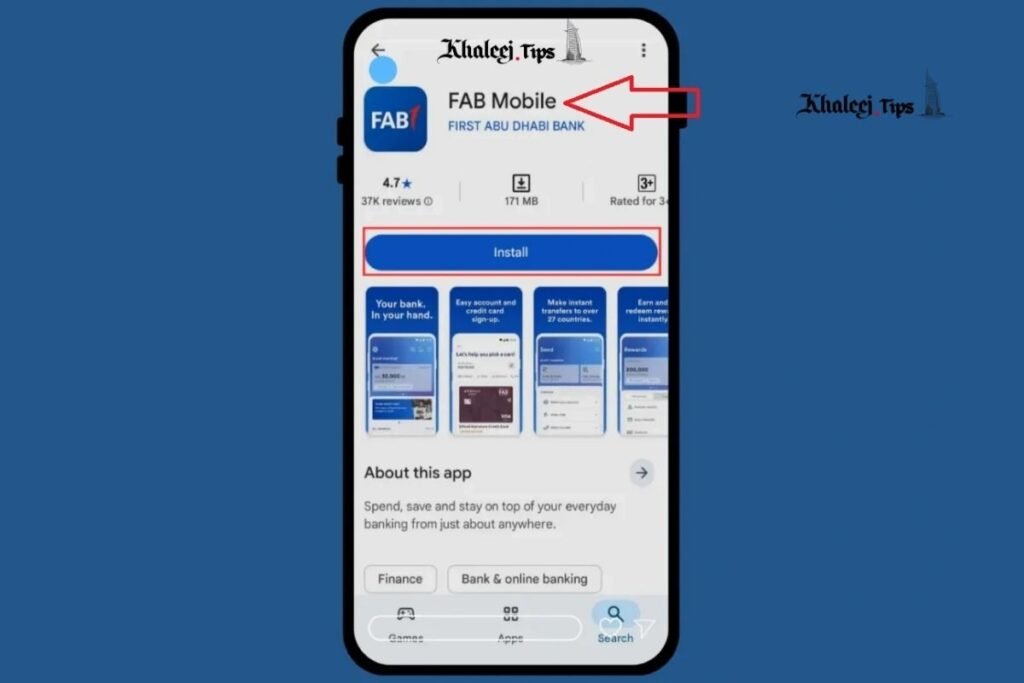
For the majority of bank clients, the mobile app is the most convenient and straightforward tool to find out your balance. Normally, once the app is installed, the balance becomes available to you instantly once you open it.
To use it:
• Download the FAB mobile banking app from App Store or Google Play.
• Log in with your credentials (register if it is your first time using the app after the migration from NBAD).
• In most cases, the balance will be visible in the main screen of the app – there is no need to navigate further.
• Most versions of the app have the biometric authorization functionality – FaceID or fingerprint – so you can learn your balance immediately without typing the password, which might be important in case you are standing in the queue and want to quickly check something.
Note that the app will normally display two numbers: “current balance” and “available balance.” These numbers can be different – and we’ll clarify it a bit later in this article.
2.NBAD Balance Inquiry Missed Call Banking Service
This method is perfect for those who are not able to open the mobile app because of the lack of data, or who just want to check the balance in the most effortless way possible. The process is as follows: you make a call to the dedicated toll-free number, hang up after a few rings, and receive your balance in an SMS.
Some points to consider:
• Your mobile number must be registered with the bank to use this service.
• The service is normally free of charge as you do not establish the actual call.
• It works even without mobile data, which makes it perfect if you are abroad.
3.NBAD Balance Inquiry SMS Banking Service
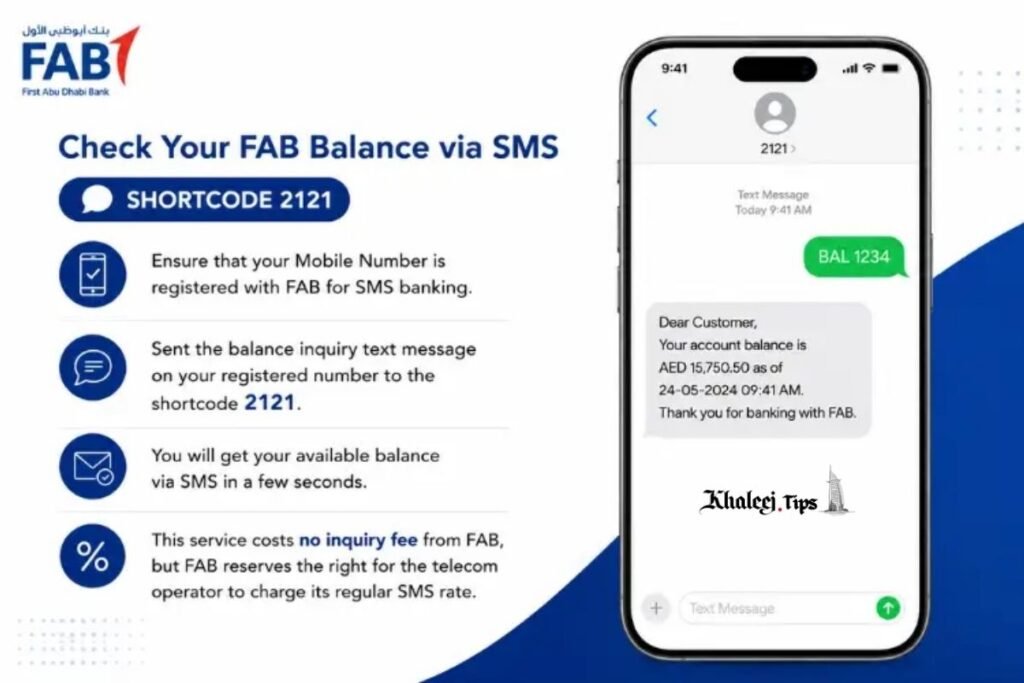
This type of inquiry is similar to missed call banking but instead of making a call and hanging up, you should send an SMS.
To register and use the service:
• Register SMS banking in your bank branch, in the mobile app or internet banking portal (only once-time procedure).
• Send the necessary keyword to the SMS number of the bank.
• Get your balance details in a reply SMS.
• Standard SMS charges from your mobile operator may apply depending on your plan.
4. NBAD Balance Inquiry ATM Balance Inquiry
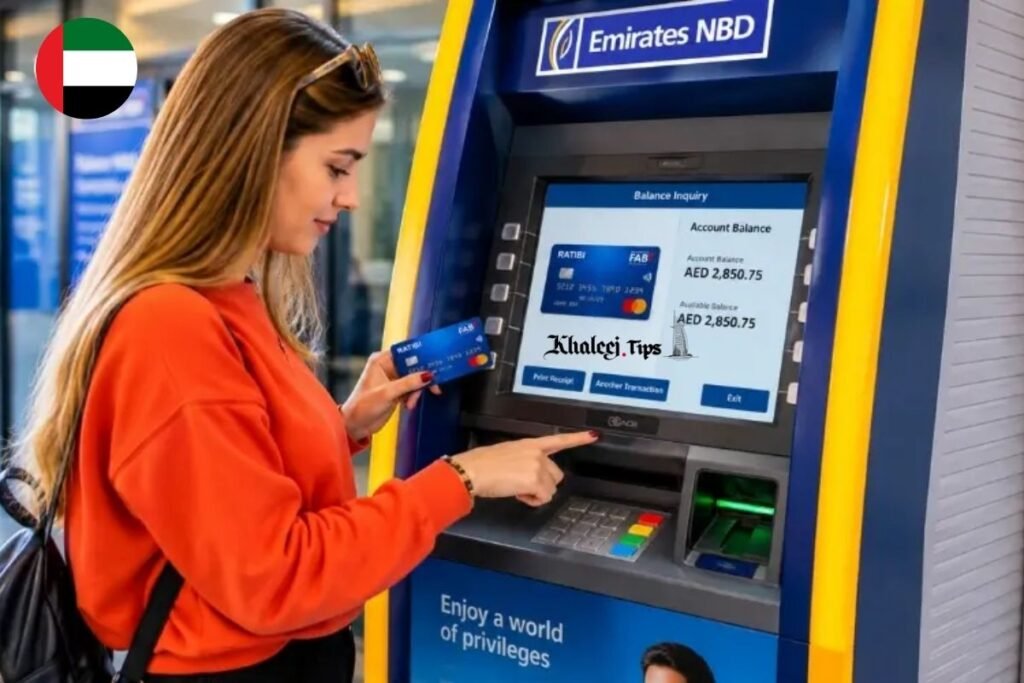
This is a well-known method of checking balance, which is still efficient when you are out.
Simply put your card to any FAB-network ATM and follow the steps:
• Enter your PIN.
• Select “Balance Inquiry” in the menu.
• Choose whether you want to get your balance on the screen of the ATM or on a receipt.
Tip: if possible, use the ATM within your own bank’s network to avoid the fees charged by the third-party ATMs for checking the balance even if you do not withdraw the cash.
5. NBAD Balance Inquiry Internet Banking (Online Portal)
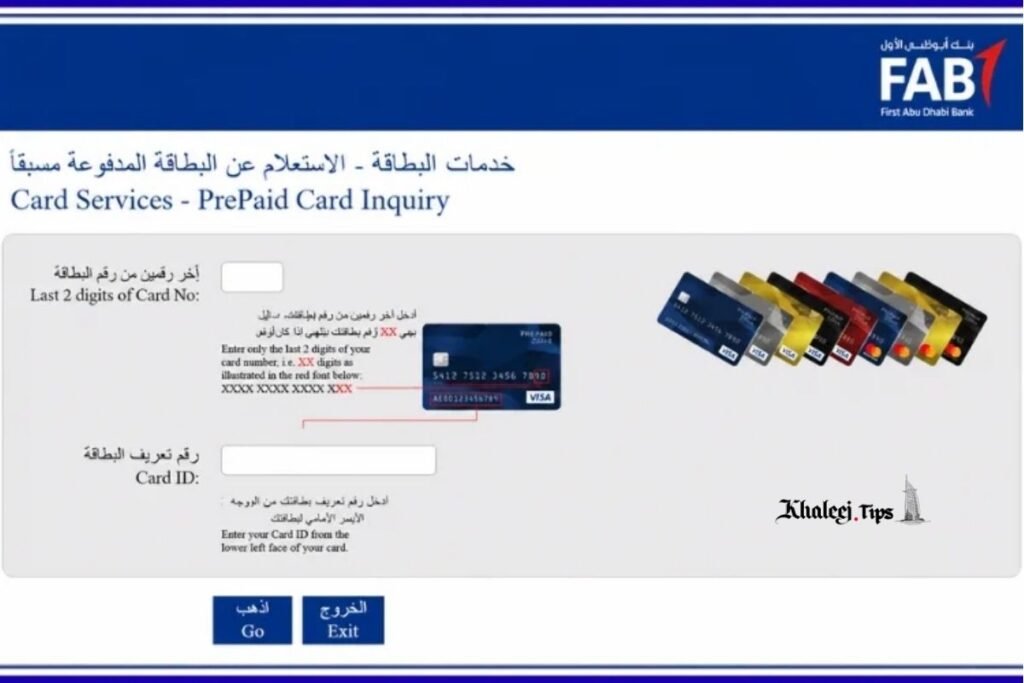
Those who prefer checking finances from the PC can continue using the internet banking portal.
• Log in with your credentials.
• Find your account summary or dashboard – usually, your balance is displayed in it immediately.
• Also, you may download the mini statement that will include your current balance and recent transactions.
The internet banking works perfectly for those who reconcile their budget or analyze several transactions at once.
6. NBAD Balance Inquiry Phone Banking/Call Center (IVR)
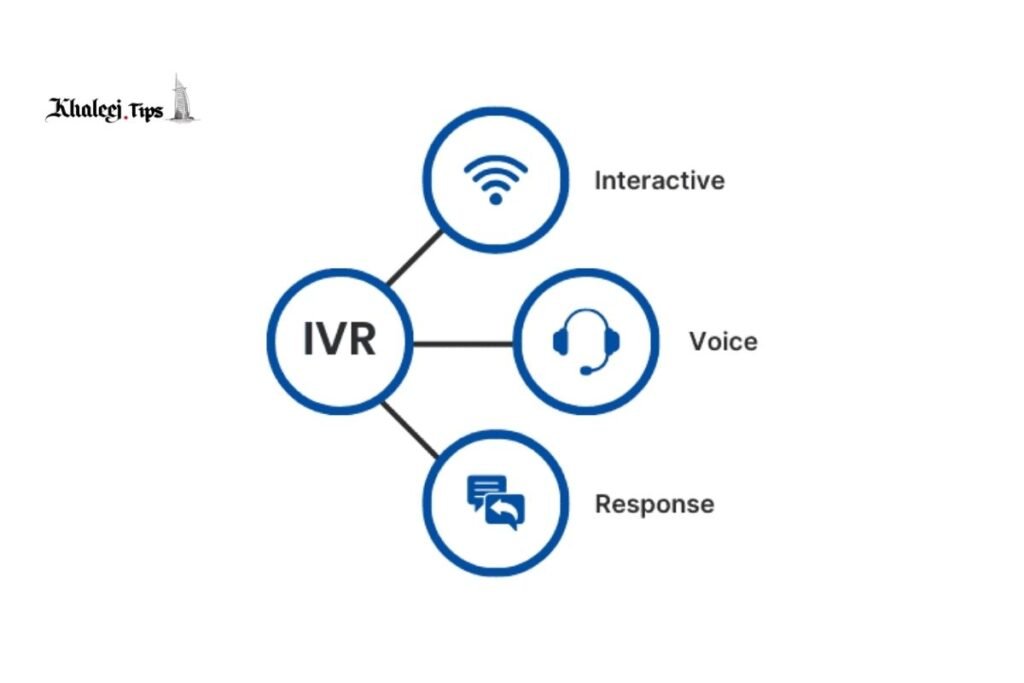
If you do not have access to your smartphone or prefer to interact with the bank through the phone, this is the most suitable choice for you.
Simply make a call to the customer service number of the bank, press the necessary buttons and listen to the balance information read back to you after your identity verification by your card/account number and PIN.
This method will be especially helpful for the older clients or those who are not comfortable with the mobile banking apps. However, IVR calls will normally take a little bit more time than SMS and missed call services.
According to industry reports on regional banking behavior, the adoption of mobile banking in the UAE is one of the highest in the world – and that’s one of the reasons why the mobile app has become the default tool for checking the balance instead of the alternative.
Comparison table: which balance inquiry method is best for you?
If you value speed and convenience the most, then probably app or missed call banking will suit you. Otherwise, you may choose the internet banking or the statement download function in the app – if you need more information.
Not every method suits every situation. Here’s how they stack up against each other:
| Method | Speed | Cost | Internet Required | Best For |
|---|---|---|---|---|
| FAB Mobile App | Instant | Free | Yes (data/Wi-Fi) | Daily use, full account overview |
| Missed Call Banking | Instant (SMS reply) | Free | No | Quick checks with no data |
| SMS Banking | Fast (seconds to minutes) | Carrier charges may apply | No | Backup option, low-connectivity areas |
| ATM Balance Inquiry | Instant | Free (own network) | No | While out, no phone access needed |
| Internet Banking | Fast | Free | Yes | Detailed review, multiple transactions |
| Phone Banking (IVR) | Moderate (wait times possible) | Standard call charges | No | Those without smartphones, older users |
Troubleshooting: Why Is My Balance Inquiry Not Working?
Balance checks are normally working properly but in case they fail, the problem is normally very simple to identify. Let’s have a look at the common issues:
• Outdated registered mobile number. Both SMS and missed call services will work if your mobile number is updated in the system – otherwise it is the most likely reason of the failure.
• Issues with login/session in the app. Sometimes, out-of-date or recently updated app version, or the expired session may cause problems – in this case you should try updating/reinstalling the app.
• Network downtime or problems with SMS services. There might be some occasional delays caused by the technical problems of the network or SMS services – in this case you just need to repeat the attempt in a minute or two.
• Card blocked/inactive. If your card has been flagged because of the suspicious transactions or hasn’t been used for a while, or its replacement has not been completed in case of NBAD-to-FAB migration, then your ATM balance checks will not be successful. The only way of the problem solving will be contacting the customer service.
Several security tips when checking your balance
Balance inquiry is a standard and routine operation – and that’s what fraudsters try to use. Several actions can help you to stay protected:
• Never give your OTP, PIN or the card number to the bank representatives who contact you. Legitimate bank staff will never ask for these details over a call or SMS.
• Use the official app or website of the bank only. Any other websites claiming to provide balance inquiry for the bank clients are not legitimate.
• Turn on the transaction/balance alerts – you will get a notification instantly if something happens to your account.
• Log out from the internet banking session instead of closing the tab if you used your account on a computer that is not yours.
What to do if you still have an old NBAD card or passbook
In case if you are one of the clients who is still using the old NBAD card or passbook, you should check the status of your card – in many cases, it might have been replaced by the FAB branded card already, but there might be still some old cards available in case of long-inactive accounts.
If you are not sure:
• Simply use the card in the ATM – the ATM will notify you if your card has been phased out or is not active now.
• Use the app or visit the branch to order a new FAB branded card.
FAQ Section
Is NBAD still a separate bank from FAB?
No. National Bank of Abu Dhabi (NBAD) has merged with First Gulf Bank in 2017 becoming First Abu Dhabi Bank (FAB). All the NBAD accounts have been transferred to the FAB systems and there is no separate bank now.
How can I check my NBAD/FAB balance without internet?
You can use missed call banking, SMS banking or ATM – none of them requires an internet connection. Missed call banking is probably the easiest one – it requires just dialing and hanging up.
Is there a fee for checking my account balance via SMS or missed call?
Missed call banking is normally free of charge. SMS banking may require a small fee from your mobile operator depending on your plan.
What is the difference between “available balance” and “current balance”?
“Current balance” is the total amount of funds on your account, while the “available balance” subtracts the holds, pending transactions and minimum balance requirement. In other words, your available balance is what you can actually spend/withdraw while the current balance is the bigger picture before these adjustments.
My registered number has been changed – how can I check my balance?
You need to update your mobile number with the bank first – in the app, internet banking or in the branch. After that, your SMS and missed call balance inquiries will work properly again.
Conclusion
NBAD has disappeared – but it has merged with FAB and became its part. And the good news is that checking your balance today is as easy and fast as it used to be, and even easier. You can choose the balance inquiry method that suits you best: mobile app, missed call banking, ATM or internet banking.
If you haven’t done it yet, it is high time to install the FAB mobile app or register SMS/missed call banking. Just a few minutes of setup now that will save your time in the future no more wondering while standing in the queue; just a glance at your phone and you’ll know everything.
You Can Also Check: Ratibi Card Salary Check



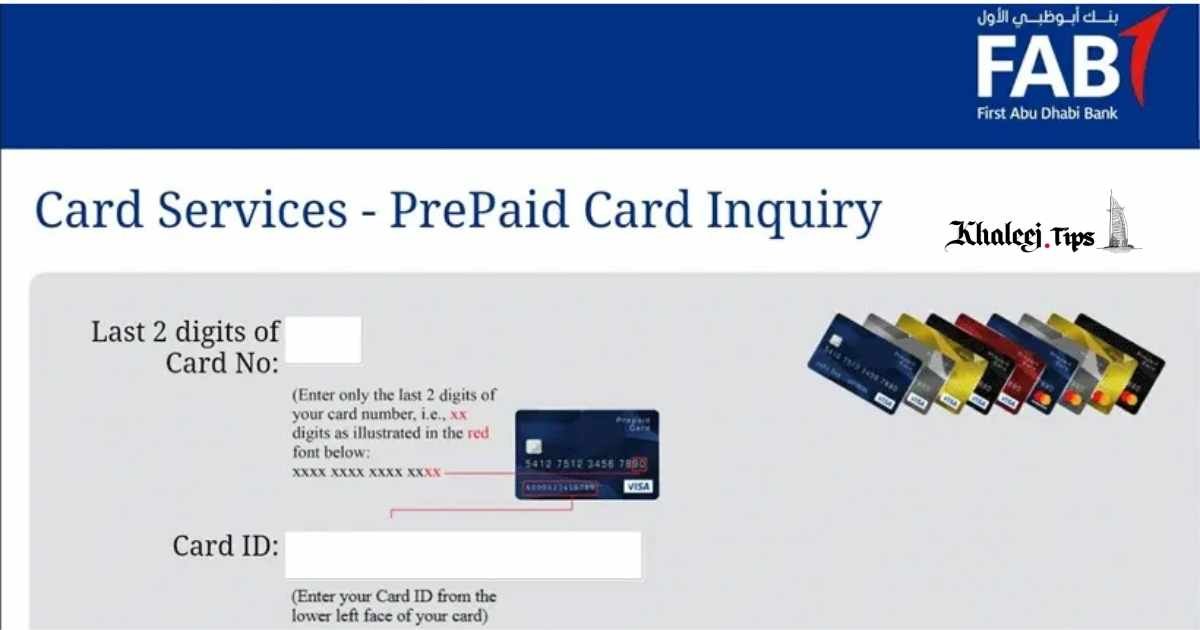
PPC NBAD Balance Check: Complete 2026 Guide (All Methods) - Khaleej Tips
August 17, 2026[…] Check Also: NBAD Balance Inquiry […]