

You’re standing in line at the checkout counter and wondering whether you have enough cash in your account. Or perhaps you’re ready to make an online payment, and you just need a quick reminder of your current account balance. In either case, you need the answer within half a minute.
Here’s the thing: the majority of FAB (First Abu Dhabi Bank) customers only use a single method of checking their balances — most likely the mobile app — and believe it is their only choice. And it’s true: when the app does not work or the internet is down or you’ve simply forgotten your login details, you have no other way around.
Some FAB clients, on the other hand, don’t even know that there are several ways to check your balance fast without relying on any kind of network. But there are many.
What Is FAB Balance Check and Why Is It So Important
A balance check is an easy-to-do procedure during which you establish the sum of money you currently have in your bank account. There is nothing difficult about that. But there is a subtle point that you must understand.
The available balance is the sum you can withdraw or spend right now. Actual (cleared) balance is a balance minus the amount of money that is still pending, i.e. not cleared. As a result, your balances may differ: a payment you’ve made the other day might still show as ‘pending’, meaning it’s not deducted from your balance, although you cannot withdraw/spend it.
Knowing the difference between those two notions is important, because that is exactly why your balance after you made a purchase can appear different from what you expected, and that is the main reason why people complain about a slow updating of their balance.
Balance check can help you:
- to budget accurately
- to detect fraud timely
- to avoid failed transactions
- to form a habit of checking your account balance with different methods in order to prevent being unable to check the balance if one of the methods is not available for some reason.
6 Ways to Check FAB Balance (Quick Comparison Chart)
Here is a chart that compares every method described in this guide at a glance. Use it to determine which method suits your current situation best.
| Method | Requires Internet | Speed | Fees | Availability |
|---|---|---|---|---|
| Mobile App | Yes | Instant | Free | 24/7 |
| Online Banking | Yes | Instant | Free | 24/7 |
| SMS Banking | No | Near-instant | May vary | 24/7 |
| USSD Code | No | Near-instant | May vary | 24/7 |
| ATM | No (physical access needed) | Instant | Usually free at FAB ATMs; fees may apply elsewhere | 24/7 (subject to ATM location) |
| Phone Banking / Call Center | No | Few minutes (wait time varies) | Free | Depends on service hours |
The main rule to follow: if you have access to the internet, mobile app and online banking portal will be your quickest way. If you are offline, SMS and USSD are the way you are looking for. Let’s see how to use them.
How to Check FAB Balance with the Mobile App
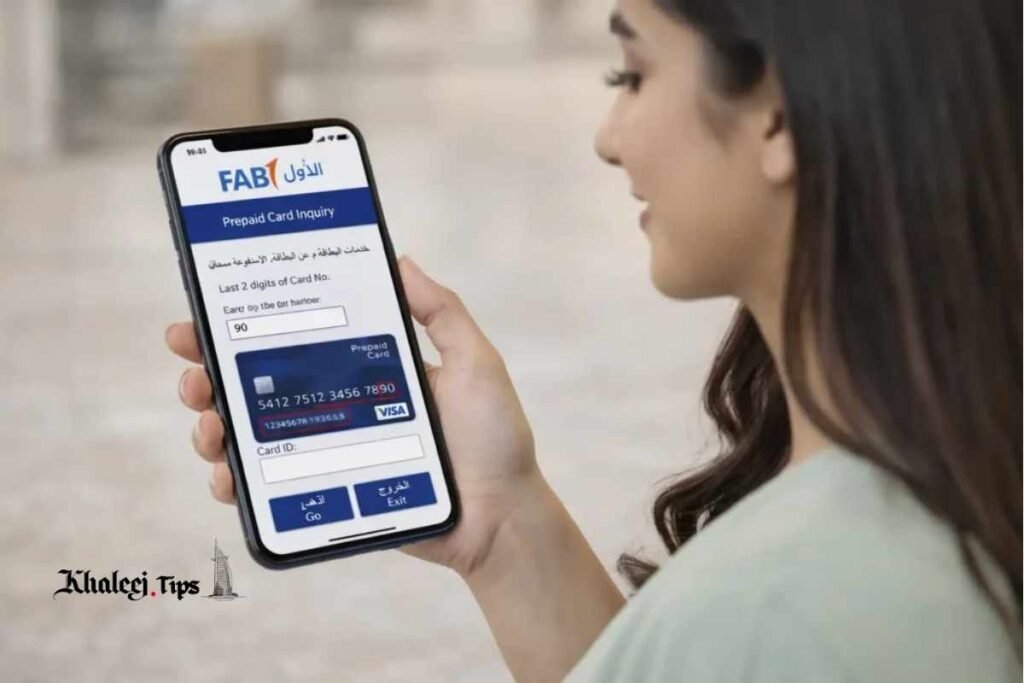
For most of FAB clients, the mobile application is a default method of balance check because it is fast and easy to use and provides much more than just your balance.
Downloading and logging in to the FAB app (iOS, Android)
The FAB mobile banking app is available on both iOS (Apple AppStore) and Android (Google Play Store). Find it, download it and install it. At the first launch, you will usually register in the app by providing your account/card details and completing the identity verification procedure. Existing users just log in with their chosen login details: password, PIN, or biometric login, depending on what was chosen during the registration.
Step-by-step balance check procedure (how to check your balance on home screen/account selection)
Once you’re logged in, the process of checking the balance is as easy as that
open the app and log in
- land on the home/dashboard screen (where all linked accounts are shown)
- select the particular account (savings, current, credit card, etc.) you want to check
- see the balance displayed on the account summary screen
- Usually, an app allows to access the account and see the transaction history or mini statement that explains the current balance if you find it strange.
Enabling biometric/quick balance widget
In order to check your balance faster, you can enable various quick options offered by your banking app, such as fingerprint or face recognition login or even a widget on your smartphone that allows checking the balance without having to open the app. Just set them up in the app’s settings.
As per the industry research data, an overwhelming majority of everyday banking operations (balance check is among them) are performed via mobile app today. This trend explains why banks continue to improve mobile apps significantly.
How to Check FAB Balance via Online/Internet Banking Portal
If you prefer using a large screen, you can use FAB online banking portal that provides the same functions as the mobile app, but with a more convenient interface for detailed transactions overview.
Logging in to FAB online banking portal
Go to the official website of the bank and find the online banking login area. You will have to provide your customer ID or username and your password. To become an online banking user for the first time, you need to register with your account details.
Navigating to account summary/balance section
After logging in, you will land on your account summary page where you will see all your linked accounts and their current balances. Click on the particular account to see its balance and more detailed info.
Downloading mini-statements or full statements
An online banking portal also allows downloading mini-statements showing you all your recent transactions and also generating a full statement for a certain period of time.
Don’t forget to log out once you’re done with the session.
How to Check FAB Balance with SMS Banking
When you have no internet access, SMS banking becomes your most convenient way of balance check.
- SMS banking registration (if required)
- In order to use SMS banking, you need to register your mobile phone with FAB and link it to your account. Usually, this procedure is performed when you open an account.
- The SMS format/keyword and the number it should be sent to
- SMS banking provides a certain format and a shortcode for balance check that can change over time. Therefore, it’s best to get the most updated version directly from the official FAB website, app or customer service and not to use the number you found somewhere else.
What your reply SMS contains
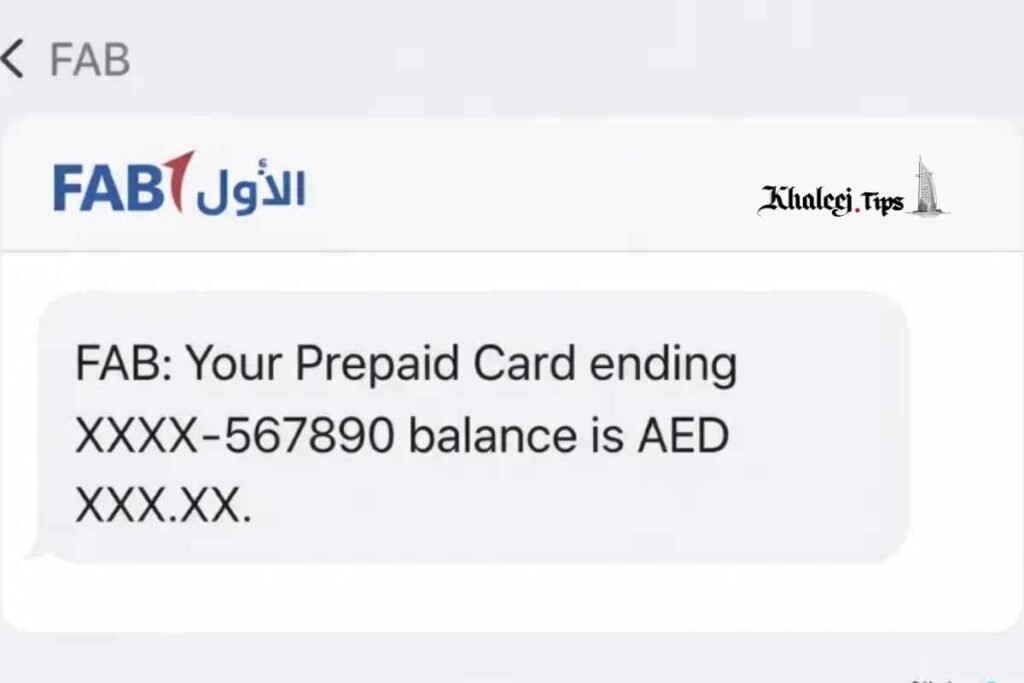
Once your request is sent, you’ll receive a reply SMS showing your available balance and sometimes your account/card balance it belongs to. Sometimes you can request also a mini-statement via SMS and see your recent transactions.
The main advantage of SMS banking is exactly that it is independent of the internet access and can become the fastest backup method when the app does not load or you travel in an area where the internet access is poor.
How to Check FAB Balance with USSD Codes (Without Internet)
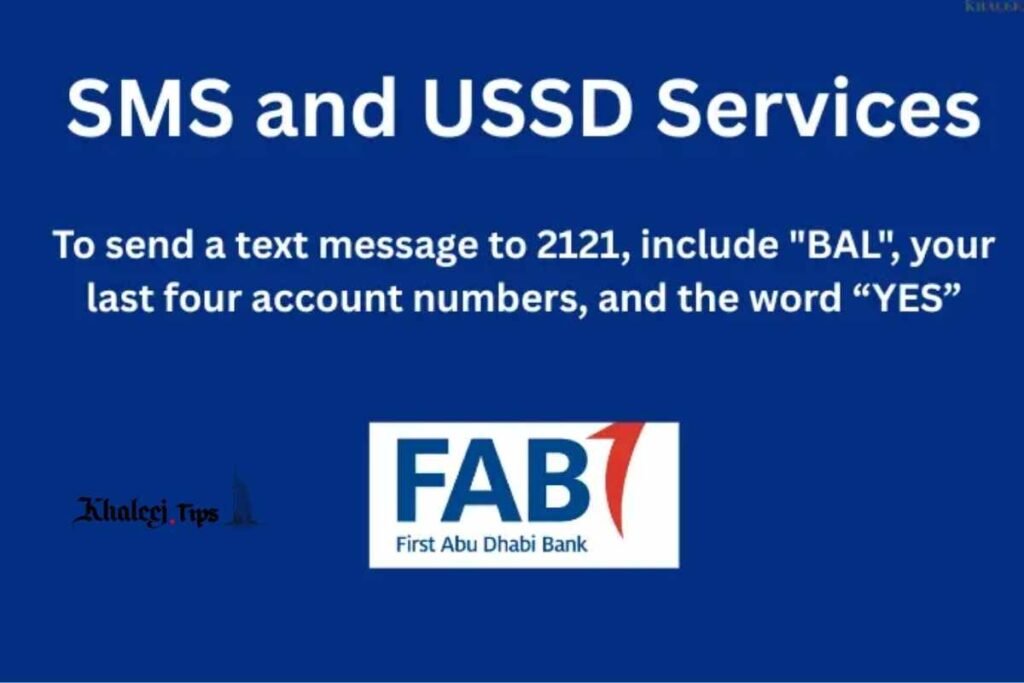
Another internet-independent method of checking your balance is USSD (Unstructured Supplementary Service Data) banking. Despite the fact that USSD banking is rarely advertised by banks, it is still one of the available options.
What USSD codes are and why they are useful
USSD codes are numeric codes that you type into your phone’s dialer to open an interactive text menu on the screen. They are executed through your mobile operator’s network’s signaling channel, so you don’t need any internet access to perform USSD transactions.
General steps to dial USSD code for balance inquiry and navigate through the menu
There are some standard steps to perform USSD banking operations and get your balance:
- launch your phone’s dialer
- type in the correct FAB USSD code (make sure you get the most up-to-date code from the official FAB website/app/call center)
- press dial/call button
- your USSD menu will appear
follow further instructions on the screen (e.g., enter your PIN)
Note that USSD codes can vary by your mobile operator and are occasionally changed by the bank, so don’t use the USSD code that you find somewhere outside of the FAB’s official resources.
How to Check FAB Balance at the ATM
Another popular method of getting your balance is using an ATM. ATMs remain one of the most convenient and trustworthy ways of performing different banking operations.
- Use of your FAB card at the FAB ATM vs another bank’s ATM (fees and limits)
- Using your FAB debit or credit card at a FAB ATM is usually free of charge when you just want to check your balance. When you use an ATM of another bank, you might pay a fee or hit a transaction limit, depending on the policies of that bank. So it’s better to use a FAB ATM when possible.
- Steps: card insertion -> PIN -> balance inquiry -> balance shown on the screen or receipt
- Checking your balance at the FAB ATM is quite a standard procedure:
- insert your FAB card into the machine
- enter your PIN when prompted
- select “Balance Inquiry” from the main menu
- your balance will appear on the screen or the paper receipt (choose the latter if you wish)
- Tip: mini-statement printout at ATMs
In addition to just the balance, you can also request a mini-statement containing your most recent transactions from the ATM.
How to Check FAB Balance with the Call Center / Phone Banking
Sometimes talking to a real person might be your best bet, and you might even need to talk to a representative of the bank if everything else fails.
When this method is the most suitable one (loss of the card, app troubles, urgency)
Phone banking is useful if you lose or steal your card, your app is not working, you need urgent help with your account that you cannot solve with self-service channel or if you forgot your app/login and need to access your account immediately.
Identity verification when you use this method (account number, security questions)
In order to protect your account and verify your identity, the phone banking service of FAB will ask for account-related details (e.g., your account number, registered mobile number, date of birth, or the answers to your security questions).
Troubleshooting Common FAB Balance Check Problems
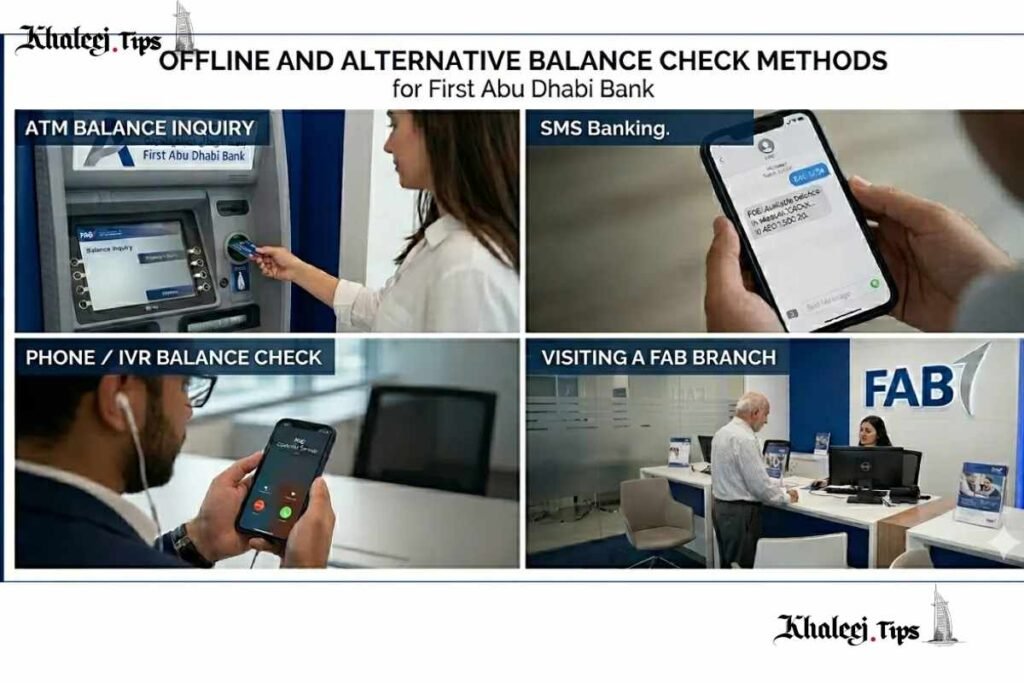
It’s true that there are several ways of checking your balance. However, sometimes there might be some trouble with the procedure.
Balance does not update after a transaction. This is usually a normal thing: transactions often have to clear before they reflect on your balance. But if a lot of time has passed and your balance still looks strange, check your transaction history for the particular entry.
SMS balance alert is not working. Make sure that the mobile number you registered in your FAB account is still valid (most common problem), network or carrier issues can also cause delays.
App login problems. Login issues can be caused by outdated app version or expired password or temporary server failure. Firstly, try to update your app and then reset your password.
USSD code is not working. USSD code is dependent on your mobile operator, that’s why you must check if you typed the code correctly and that your mobile operator supports USSD banking of FAB.
When to contact customer service vs going to a branch. Most login problems, password resets and SMS/USSD trouble-shooting can be solved via phone banking or in-app support chat. If your concern is related to fraud, card block or complicated account issues, it’s better to visit the branch.
How to Stay Secure While Checking Your Bank Balance
Balance checks seem to be a routine procedure, but every time you are checking your account, you are disclosing your account details. That is why following good security practices every time you do it is highly recommended.
- Do not check your balance via public or non-secure Wi-Fi networks (at coffee shops, airports, etc.)
- Never disclose your OTPs or USSD code to anyone, including someone calling from the bank.
- Never click on any links sent to you in balance alert SMS.
- Set up transaction and balance alert notification.
FAB Balance Check for New and Existing Customers
Not every customer starts on the same level. That is why it’s worth distinguishing between what each of them should do first.
What existing customers should do (registered mobile number, active app/online banking)
If you are an existing client, the most important thing for most of the FAB balance check methods is to keep your mobile phone number up to date and have access to the mobile app or online banking portal. Otherwise, you might find yourself in a situation where you will desperately need your balance but won’t be able to check it because you will have no access to the login details.
What new customers should set up first (account activation, digital banking registration)
If you have just opened an account with FAB, your first task will be activating your digital banking account, i.e. registering in mobile app and/or online banking portal and registering your mobile phone number.
FAQ Section
How do I check my FAB balance offline (without the internet)?
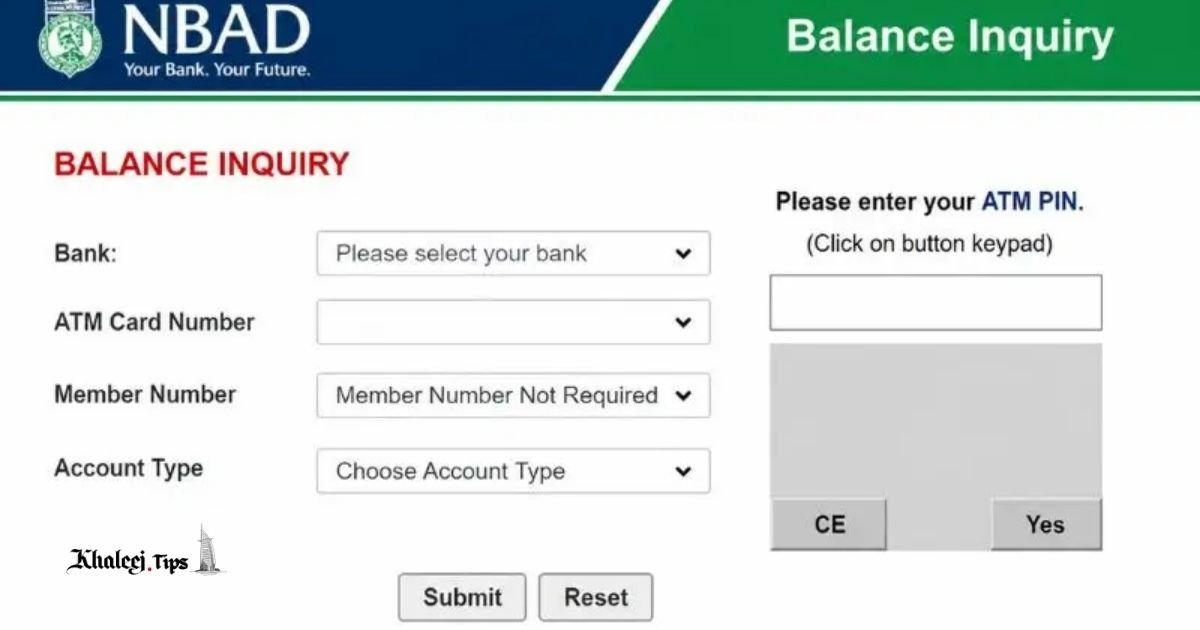
There are two options for offline account balance checkup: SMS banking and USSD codes. With SMS banking, you send a certain keyword to the shortcode of the bank, and your balance appears in the reply message. With USSD banking, you dial a certain code in your phone’s keyboard and get into an interactive menu.
Is there USSD code to check FAB account balance?
Yes, there is USSD code which is provided by FAB. Though, this code might vary depending on your mobile carrier and could be changed from time to time by the bank. It would be safer to use the code which is provided officially by FAB’s website, application or customer support center than trying to find it in some third-party website or search engine.
Why my FAB balance does not change after the transaction?
In most cases, this issue occurs because of the transaction clearing time. The difference between the moment when you make a payment and when this payment is cleared and reflects on your balance. At this stage, a transaction might appear as pending. But in case the issue remains after the reasonable amount of time has passed, contact FAB’s customer support center.
Can I check my FAB balance at any ATM, or only FAB ATMs?
Though FAB’s clients usually check their balance at ATMs which belong to FAB, this is possible to check the balance at other bank’s ATMs. Nevertheless, in order to check FAB balance at any ATM which does not belong to FAB, a small fee may be applied.
Is checking my balance via SMS or USSD safe?
Yes, checking your balance via SMS and USSD is safe since they are official channels offered by FAB. Though, you should not use unofficial channels which imitate SMS or USSD messages in order to steal your personal information. No genuine SMS or USSD service provided by FAB will require you to click a link or type your PIN/password in the message.
Conclusion
Checking your FAB balance does not necessarily depend on one app or internet connection. Among the mobile app, online banking, SMS and USSD, ATMs, phone banking there are several channels which will suit any situation: at home with Wi-Fi or in market without internet access.
The best strategy will be redundancy and use of at least two channels. Mobile app and SMS or USSD code would be perfect for this purpose. If you did not yet start using your FAB digital banking access, take a couple of minutes and register your phone number to receive SMS notifications.
You Can Also Read: Ratibi Card Salary Check: Step-by-Step Guide 2026